Standardize Catalog Backgrounds
Across Your Brand SKUs
Help your shop or D2C brand remove messy supplier backgrounds and apply consistent white, transparent, or branded backdrops across every listing. Batch-ready AI built for apparel catalog teams scaling marketplace output.
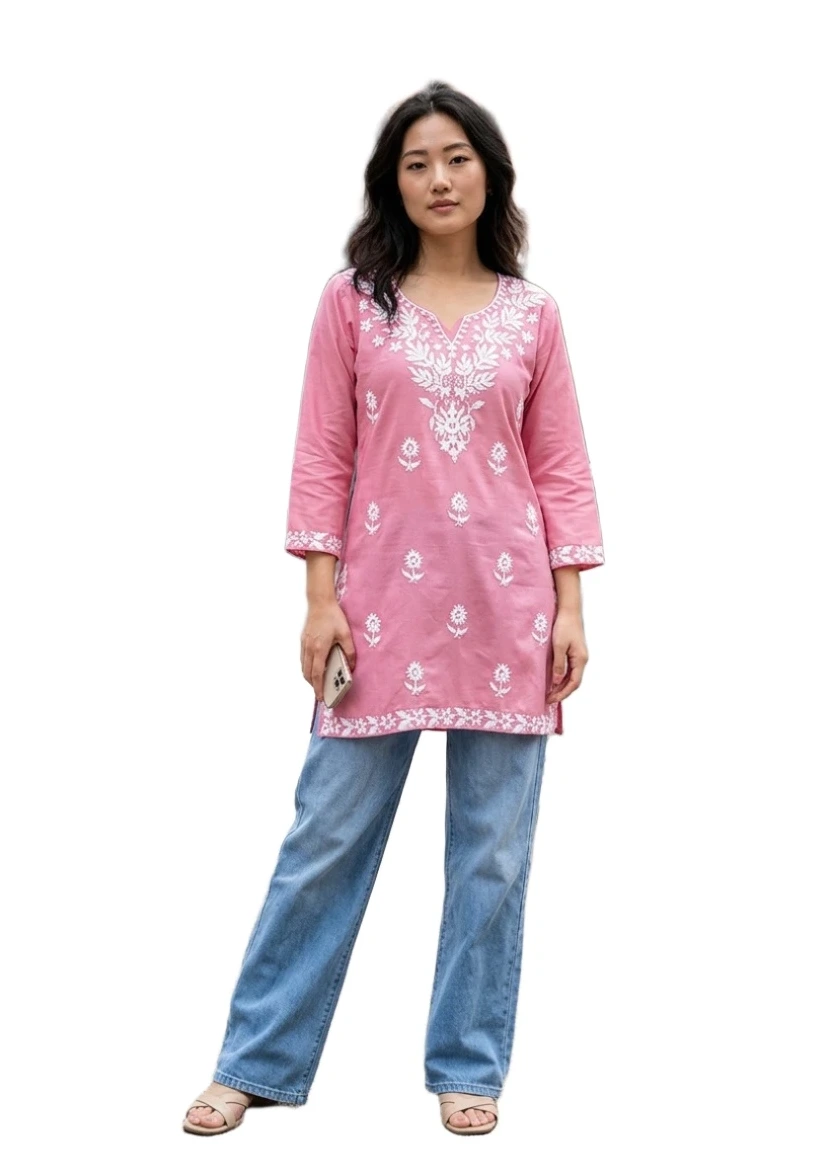
Clean Catalog Cut
How do I swap backgrounds across an entire product catalog automatically?
SnapMyDesign's AI fashion background remover lets you swap and standardize backgrounds across an entire product catalog automatically. Upload model, mannequin, or flat lay photos, apply consistent white, transparent, or branded studio backdrops in batch, and export marketplace-ready listing images without manual clipping in Photoshop.
| Method | Time per 200 SKUs | Consistent BG | Batch-ready |
|---|---|---|---|
| Manual clipping per image | 80–160 hours | Hard to match | No |
| SnapMyDesign AI background remover | Under 1 hour | Yes | Yes |
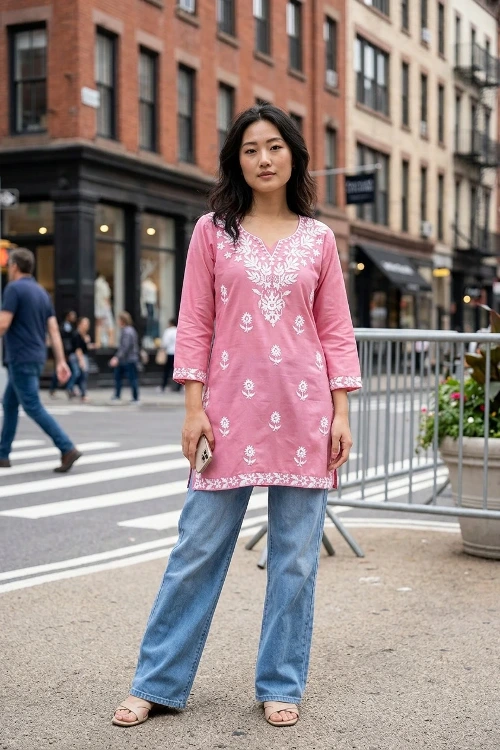
Before / After Background Swap
Select an example and drag the slider to compare the original studio background against the AI-cleaned catalog output.
Standardize Catalog BGs in 3 Easy Steps
Skip manual pen-tool clipping. Apply consistent backgrounds across your entire apparel library automatically.
Upload Catalog Photos
Upload model, mannequin, or flat lay product images—single files or batch folders from your SKU library.
Choose Background Preset
Select white marketplace background, transparent PNG, or a custom studio color to apply uniformly across all images.
Download Batch Output
Export consistent catalog-ready images for Amazon, Meesho, Myntra, and Shopify in high resolution.
Built for
Catalog Teams
Inconsistent supplier backgrounds slow down listings. Automatically swap every SKU to a uniform white or branded studio backdrop before publishing to marketplaces.
Marketplace White BG
Convert busy shoots to pure white Amazon and Meesho listing backgrounds
Transparent PNG Export
Create clean apparel cutouts for composite catalog layouts
Supplier Photo Cleanup
Standardize inconsistent wholesale vendor photography
Brand Studio Templates
Apply the same branded backdrop color across seasonal drops
Questions & Answers
Common questions about batch fashion background removal and catalog swaps.
SnapMyDesign's AI fashion background remover lets you swap and standardize backgrounds across an entire product catalog automatically. Upload model, mannequin, or flat lay photos, apply consistent white, transparent, or branded studio backdrops in batch, and export marketplace-ready listing images without manual clipping in Photoshop.
Yes. Upload folders or connect bulk workflows to apply the same background preset across your entire apparel catalog, saving days of manual clipping work.
Yes. The AI is tuned for complex apparel edges—including anarkalis, sarees, lehengas, and layered dupattas—preserving fine detail while removing backgrounds cleanly.
SnapMyDesign provides free trial credits on signup so you can test background swaps on your own catalog photos before upgrading for bulk production.
Yes. Beyond white and transparent exports, you can apply consistent custom studio colors or branded backdrop presets across every product image.
Unify Your Catalog Backgrounds Today
Swap backgrounds across your entire fashion product library automatically—consistent, marketplace-ready, and batch-ready.