Flat Lay Apparel Into
Clean Transparent Cutouts
Magically extract clothes from flat lay photos. Lift full outfits, dresses, shirts, or accessories onto a clean transparent background in one click. Preserve ultra-sharp details, texture maps, and pattern alignments automatically.
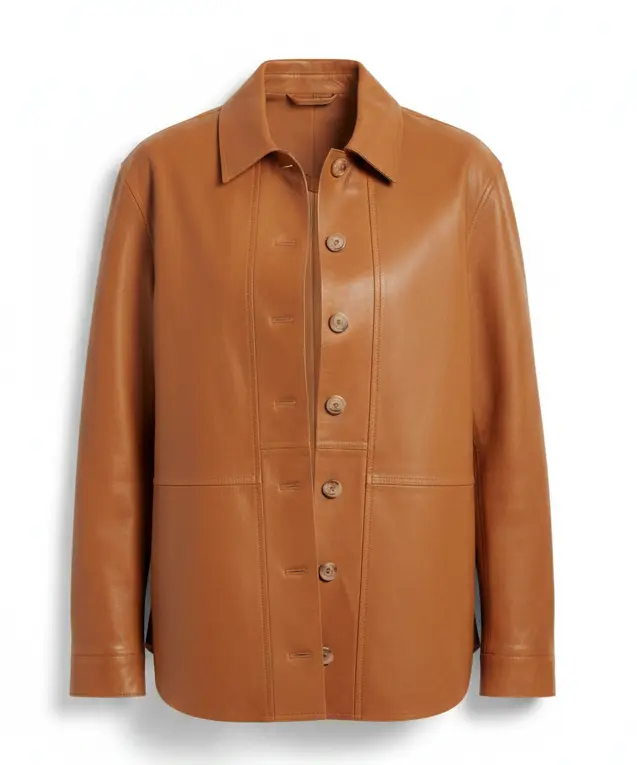
Isolated Flat Lay Garment
Precision Flat Lay Isolation
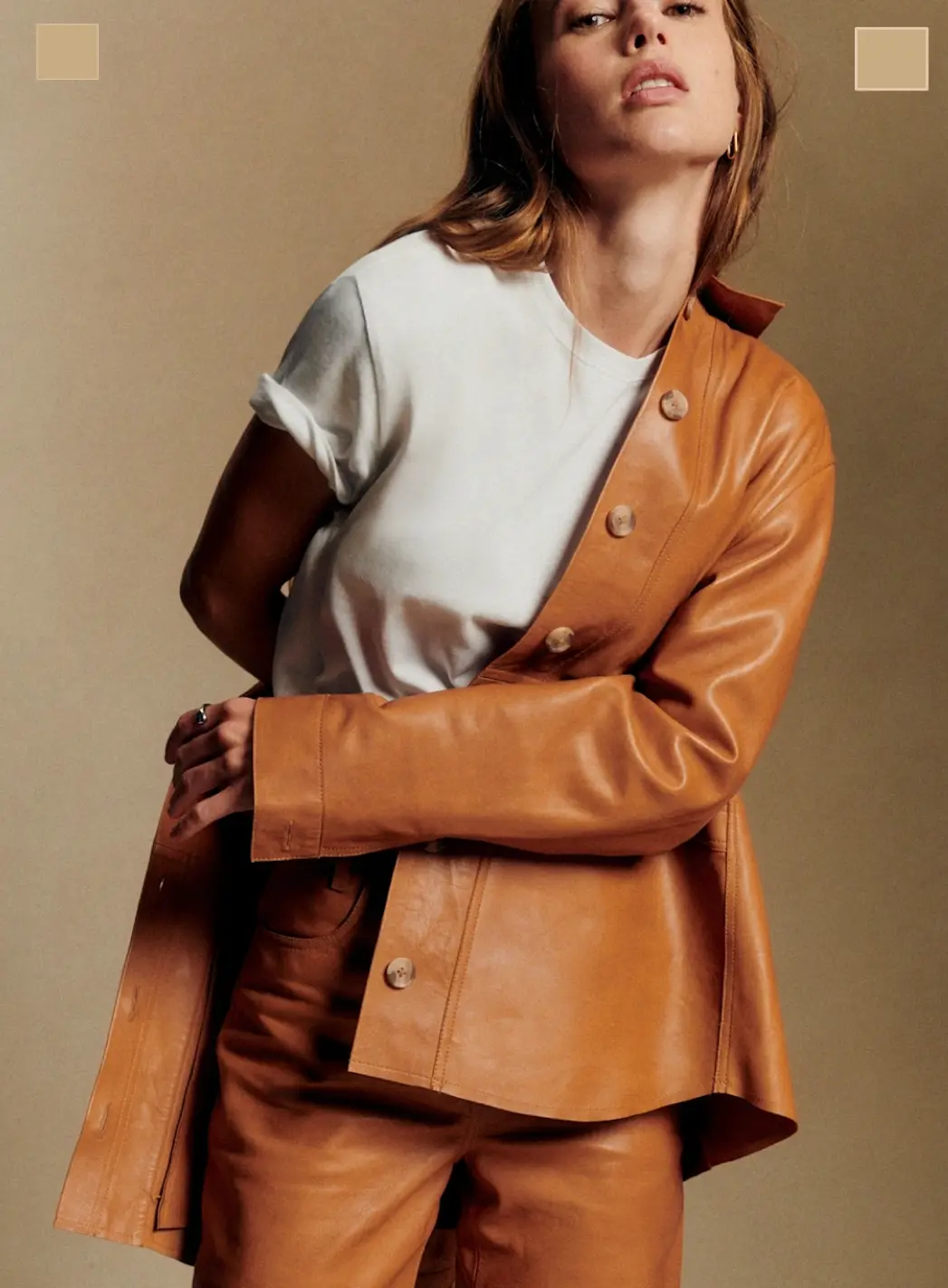
Drag the interactive slider to see how the AI isolates clothing items from flat lay product photos, discarding the surface and backdrop cleanly.
Generate Flat Lay Cutouts in Three Easy Steps
Cut out tedious hours of manual selection in Photoshop. Our model does it in a single click.
Upload Flat Lay Photo
Upload any high-quality flat lay apparel image — garments laid flat on a table, floor, or neutral backdrop.
Configure Extraction
Select the target type: Full Outfit, Upper Body, Lower Body, or Accessories. Optionally, add specific text guidelines.
Download Transparent PNG
Trigger the extraction and receive a crisp transparent clothing image. Ready for catalogs, try-ons, or custom layouts.
Purpose-Built for
Flat Lay Workflows
Whether you need to feed clean clothes into an AI virtual try-on engine, generate transparent apparel overlays for custom listing boards, or clean up wholesale reseller photos, our flat lay generator handles it perfectly.
Virtual Try-On Assets
Isolate flat lay garments to feed virtual fitting rooms
Ghost Mannequin Cuts
Convert flat lay photos into clean floating apparel
Marketplace Compliance
Prepare listing files matching Amazon & Meesho formats
Catalog Layouts
Create design layouts, brochures, and wholesale booklets
Questions & Answers
Find answers to the most common queries about AI flat lay extraction.
To extract clothing from a flat lay, navigate to SnapMyDesign, upload the image of garments laid flat, choose the extraction options (such as full outfit, top, pants, or skirt), and click the extract button. The AI analyzes the textures and boundaries, segmenting the fabric cleanly away from surfaces and backgrounds, returning a transparent PNG file.
SnapMyDesign offers one of the best AI flat lay generators because it is specialized in fashion garments. Unlike basic background erasers that often crop parts of the fabric or leave halos, SnapMyDesign understands fashion contours and keeps all fabric details (like stitching, lace, patterns, and folds) intact.
For product catalogs, merchants use a flat lay clothes extractor to isolate the garment from the backdrop. This results in a clean transparent image (commonly called a ghost mannequin image). You can then place this isolated garment on a white background, insert it into a custom catalog template, or feed it into a virtual try-on system.
Yes. Our advanced options panel allows you to specify whether you want to extract individual items (e.g. only the shirt, only the pants), accessories (like bags or scarves), or the entire set of clothes combined. You can also supply custom prompt instructions for complex layered items.
Yes, when you sign up for SnapMyDesign, you receive free trial credits which can be used to run the AI flat lay generator tool. You only pay if you need to generate high-resolution images in bulk.
Ready to Isolate Flat Lays in Seconds?
Create professional, transparent catalog cuts or prepare assets for AI photoshoot try-ons without any manual editing effort.