Best AI Flat Lay Generator in 2026
SnapMyDesign Team
•5 min read
A great flat lay is only half the battle. You still need a clean, transparent product cut to sell. Here's who does it best in 2026.
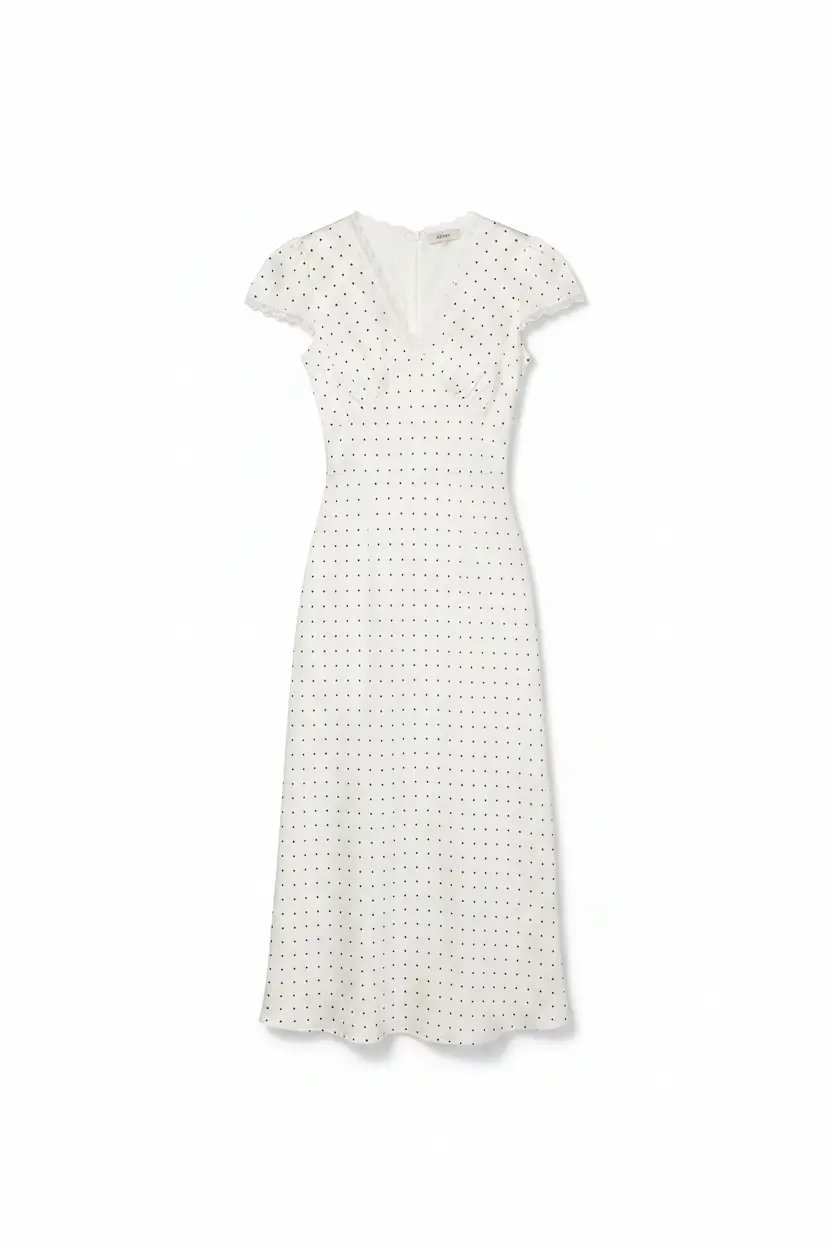
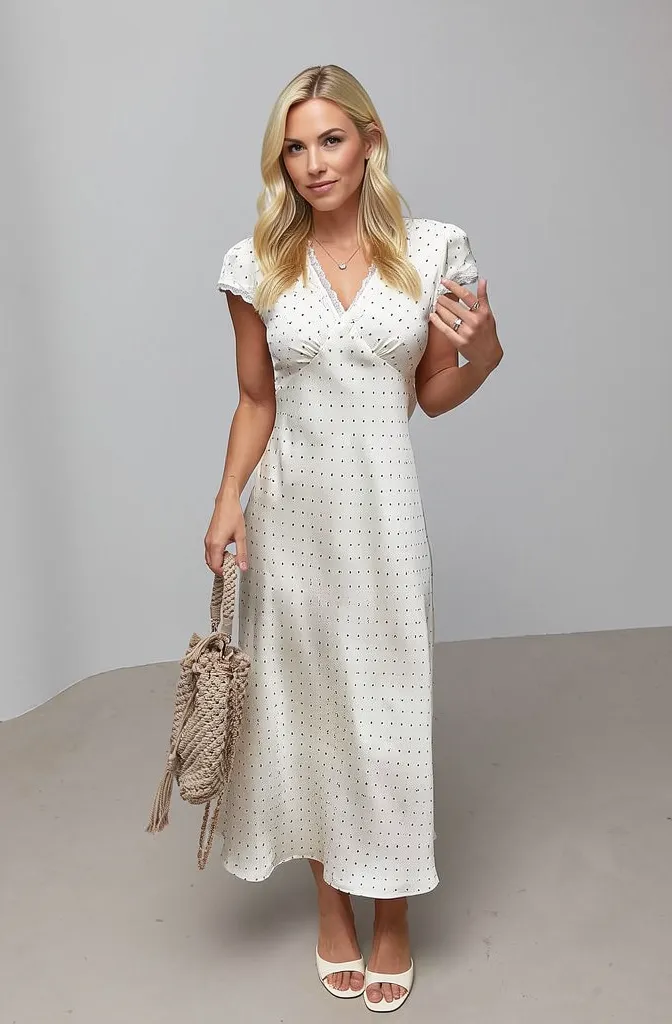
Left (Before): raw input. Right (After): AI-processed output by SnapMyDesign.
🏆 The Winner at a Glance
SnapMyDesign — the only tool built specifically for fashion flat lays. Keeps fabric texture, prints, and stitching intact while outputting native transparent PNGs at scale.
📊 Side-by-Side Comparison
| Tool | Best For | PNG Output | Fashion-Aware | Batch | Free Trial | Rating |
|---|---|---|---|---|---|---|
| SnapMyDesign 🏆 | E-commerce catalogs | ✅ Native | ✅ Advanced | ✅ Yes | ✅ Free credits | ⭐ 4.9 |
| Photoroom | Quick cleanup | ✅ Yes | ⚠️ Limited | ✅ Paid | ⚠️ Limited | ⭐ 4.2 |
| Pixelcut | Mobile beginners | ✅ Yes | ⚠️ Basic | ❌ No | ✅ Free tier | ⭐ 4.0 |
| Remove.bg | One-click removal | ✅ Yes | ❌ Generic | ✅ API | ✅ Free preview | ⭐ 3.9 |
| Canva | Design-first users | ✅ Yes | ❌ Generic | ⚠️ Bulk | ✅ Free tier | ⭐ 4.1 |
| Flair AI | Styled scenes | ⚠️ Manual | ⚠️ Basic | ❌ No | ⚠️ Limited | ⭐ 3.8 |
🎯 Why SnapMyDesign Wins
- 👗 Fashion-trained AI — knows where hems, folds & sleeves end
- 🚀 Full workflow — cutout → ghost mannequin → model shoot → listing
- ⏱️ Seconds per image — at catalog scale
- 🆓 Free trial credits — validate on your own photos first
🚀 How to Use It (60 Seconds)
- 📤 Upload your flat lay
- 🎯 Pick extraction type (full outfit / upper / lower / accessories)
- ⚡ Run the AI extraction
- 💾 Download your transparent PNG
✅ Verdict
Every tool removes a background. Only SnapMyDesign treats flat lay apparel like apparel. For clean, texture-faithful product cutouts at scale, it's the clear 2026 winner.